CurioSprite One
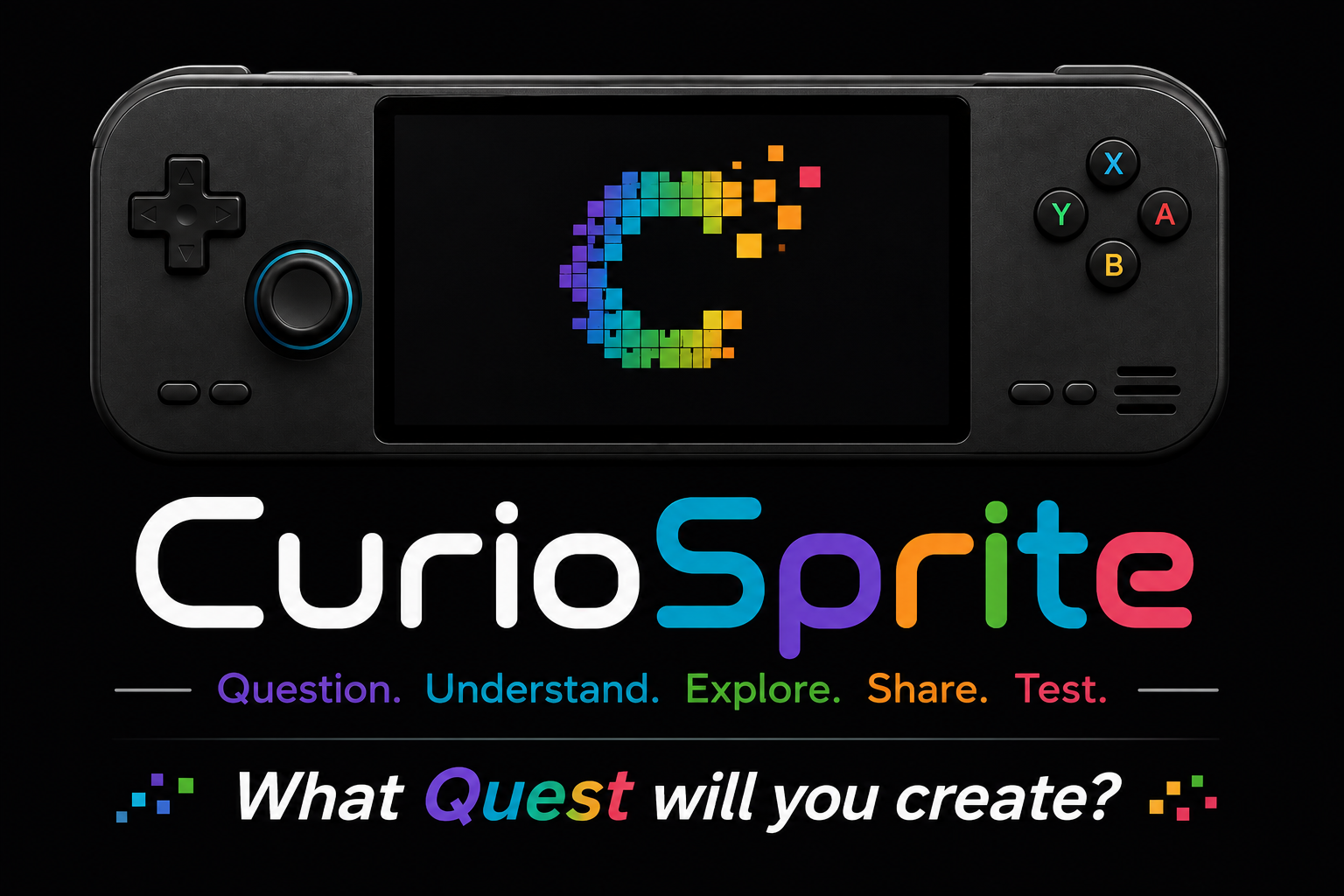
A simple handheld reference device with a touchscreen, physical controls, Wi-Fi/Bluetooth, audio, and open hardware documentation.
// product development
Question. Understand. Explore. Share. Test.
CurioSprite is a planned open-source handheld game-creation platform built around one idea: people should be able to learn how games work by making, testing, playing, and sharing their own. Draw a sprite, animate it, build a level, add simple behaviors, press Play, and share the result — all without ever leaving the device.
CurioSprite does not exist as a finished product yet. This page documents the direction of the project, the first prototype we want to build, and the hardware and software we plan to develop in the open.
// the vision
The goal is not simply to build another retro emulation handheld. CurioSprite is intended to combine playing games with learning how games are made. A user should eventually be able to draw a sprite, animate it, build a level, add simple behaviors, press Play, test the result, improve it, and share the finished game without leaving the device.
// what we want to make
A simple handheld reference device with a touchscreen, physical controls, Wi-Fi/Bluetooth, audio, and open hardware documentation.
An on-device creator for sprites, animations, levels, behaviors, and eventually complete small games.
A launcher for user-created games, CurioSprite-native games, and supported retro systems.
A way to package and send games between devices or through a community workflow.
The lightweight engine responsible for running games built with CurioSprite tools.
STLs, editable CAD, wiring, PCB files, bill of materials, and assembly instructions for community builders.
// hardware direction
Prototype 01 will use off-the-shelf hardware so we can validate the screen, controls, ergonomics, creator interface, and performance before designing expensive custom electronics.
// software direction
Pixel drawing with touch and physical controls, beginning with small sprite sizes and a simple palette.
Frame-by-frame animation with timing, looping, copying, reordering, and previews.
Touch-assisted placement of tiles, characters, objects, enemies, and collision areas.
Readable rules such as “When A is pressed → Jump” instead of requiring traditional code for beginners.
Editable characters, environments, animations, and behaviors that make a first game possible quickly.
A lightweight runtime that can immediately launch and test what the user has just created.
// development roadmap
01
Connect the Pi, touchscreen, controls, analog inputs, and audio on the desk.
02
Make every physical control and the touchscreen register reliably.
03
Draw, erase, fill, save, load, and test the experience of creating on a handheld.
04
Add frames, playback, looping, and editable preset animation sets.
05
Put a created sprite in a basic world and make it move, jump, collide, and collect something.
06
Add visual rules and beginner-friendly preset behaviors.
07
Build and test small game spaces directly on the touchscreen.
08
Move the working prototype into the first complete printed enclosure and test ergonomics.
09
Package a user-created game and transfer it to another CurioSprite-compatible system.
10
Use everything learned from Prototype 01 to begin shrinking and refining the hardware.
Not locked yet: Final processor, final PCB, production battery, exact screen model, final enclosure dimensions, final software stack, manufacturing method, pricing, or release date. Those decisions come after the prototype proves the core experience.
// open source plan
The goal is to publish more than printable STLs. CurioSprite should eventually include the editable CAD source, printable parts, bills of materials, wiring diagrams, source code, PCB design files, software setup instructions, and build documentation so other people can reproduce the reference device and improve it.
// entries
No posts have been published for this product yet.